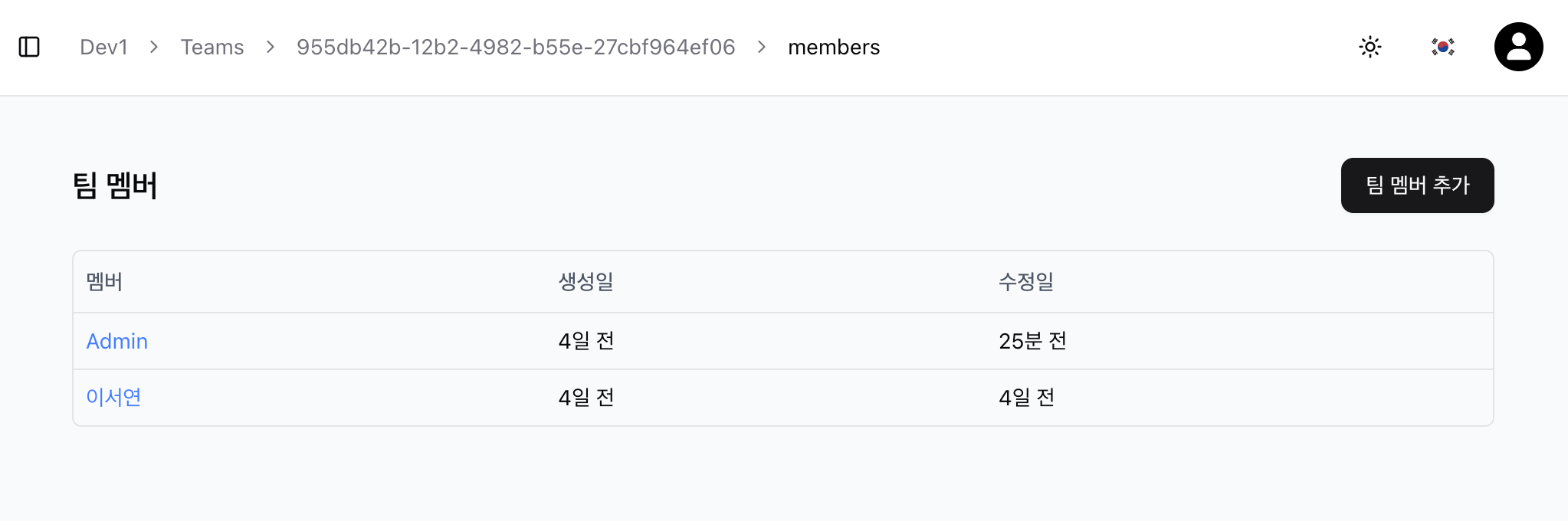
Member
Indicates that a user belongs to a specific team. This allows you to know which team a user is active in. The user is granted permission to manage the devices of the team they are a member of.
Adding Team Members
-
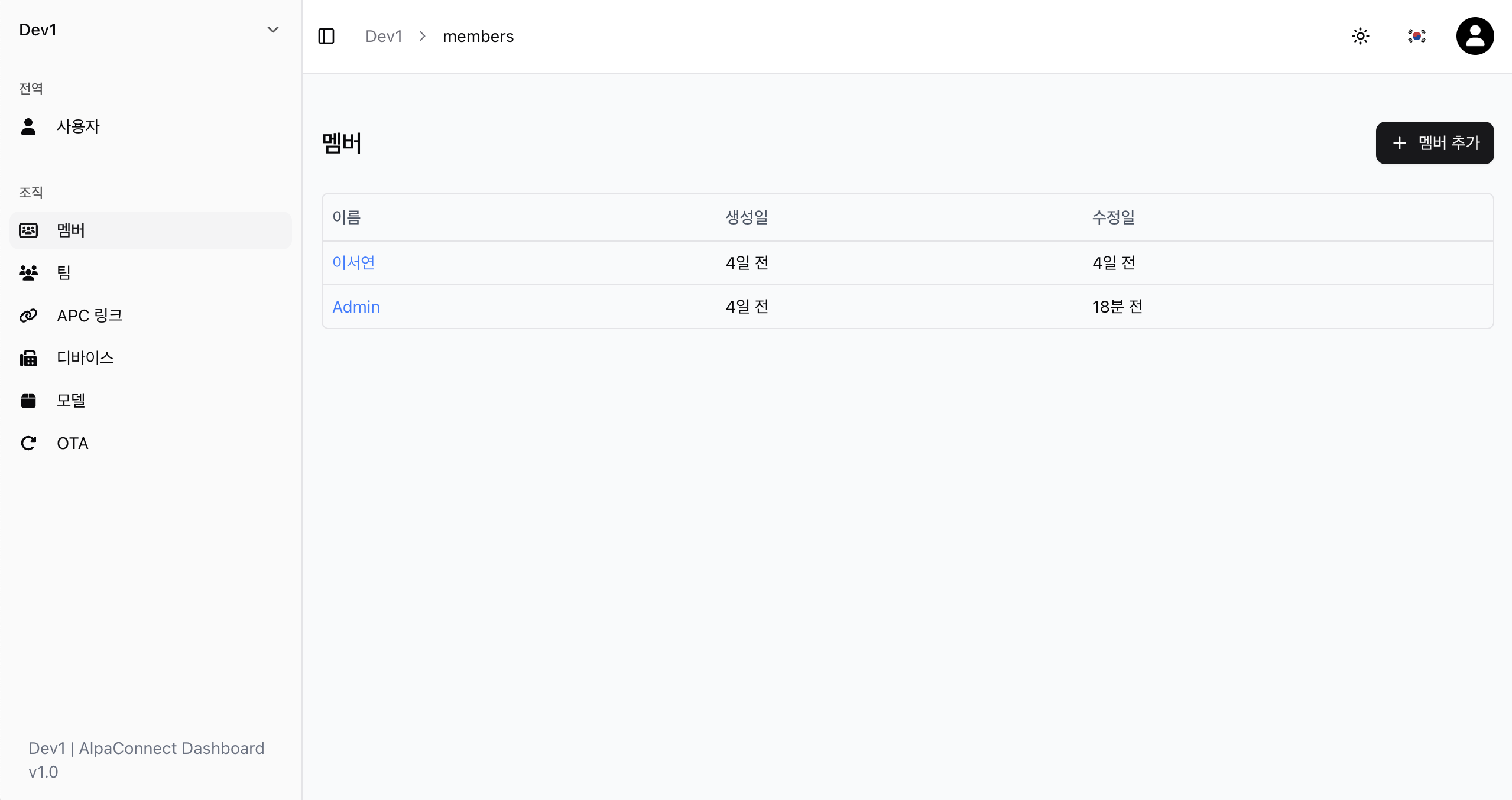
Check users in the organization
Since a team is a subunit of an organization, team members must be users belonging to that organization.
-
Add users not already in the team as team members
You can grant member rights to users who belong to the organization but are not yet part of the team and add them to the team.